How practice actually happens
Studio is the bench. You pick a basics song, watch the next note light up, and tap the ivory. A metronome sits under the keyboard so the click is always in reach. Start a lesson and KeyRoad records the session — notes you hit, and optionally the microphone — until you stop and save.
Learn is the coach shelf. Jazz, blues, classical and popular each hold a stack of public YouTube tutorials. Open one, watch inline, then start the same kind of lesson session so the take is tied to that video instead of a nursery melody.
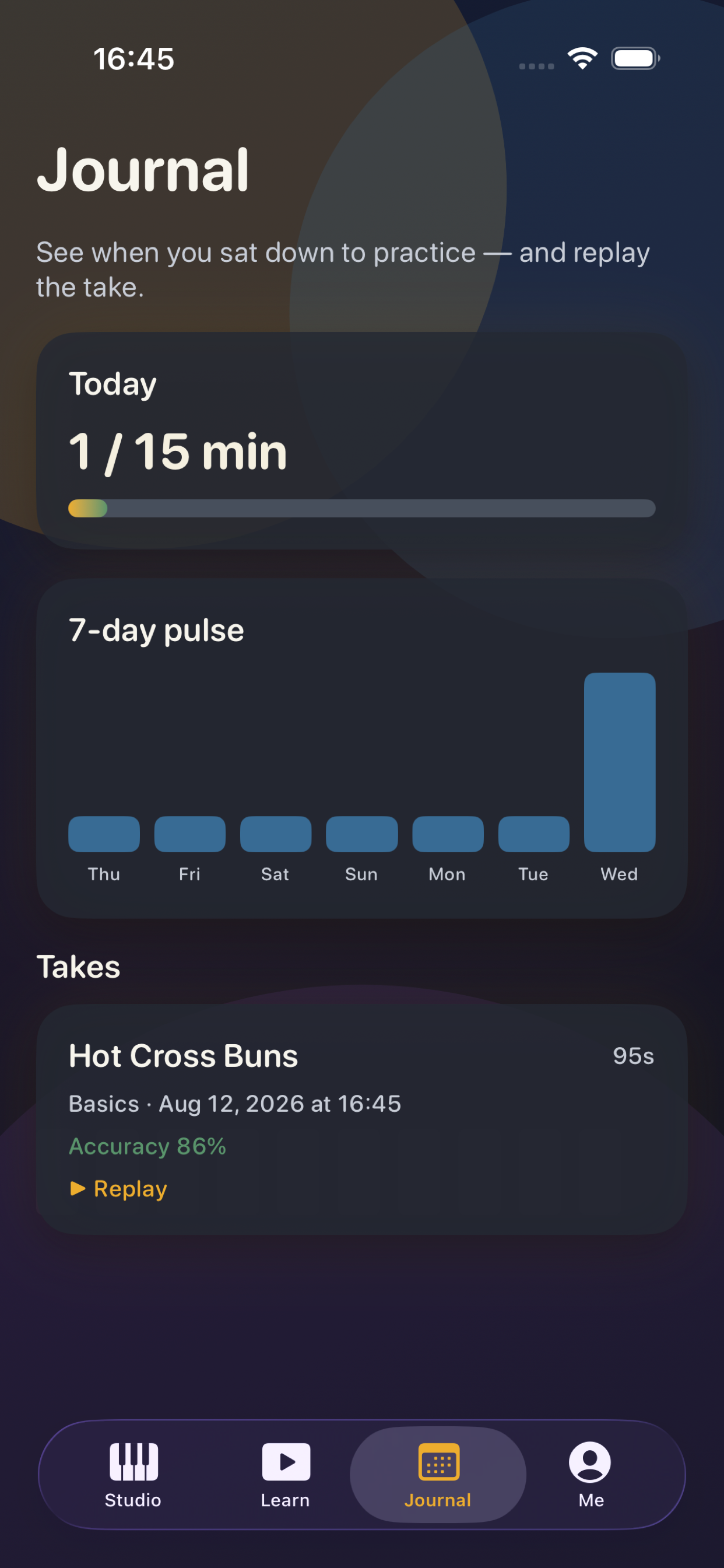
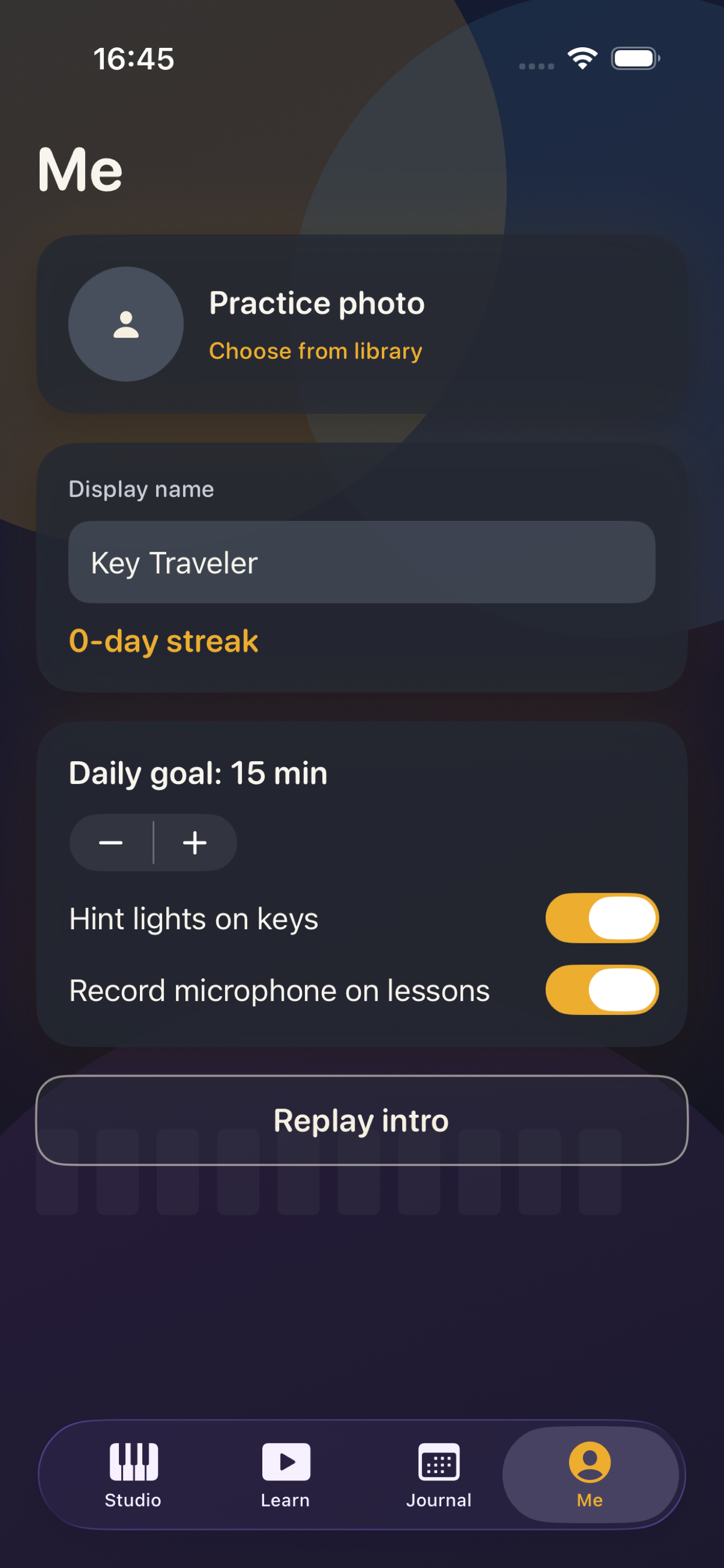
Journal is the week you actually sat down. Today’s minutes against your goal, a seven-day pulse, and a list of takes you can replay. Me holds a practice photo (camera, library, or save-back to Photos), your display name, and the daily-goal stepper.
In the app
The first launch sets a practice pulse. Then the stage: keys, coaches, and the journal of takes.
Opening the app.
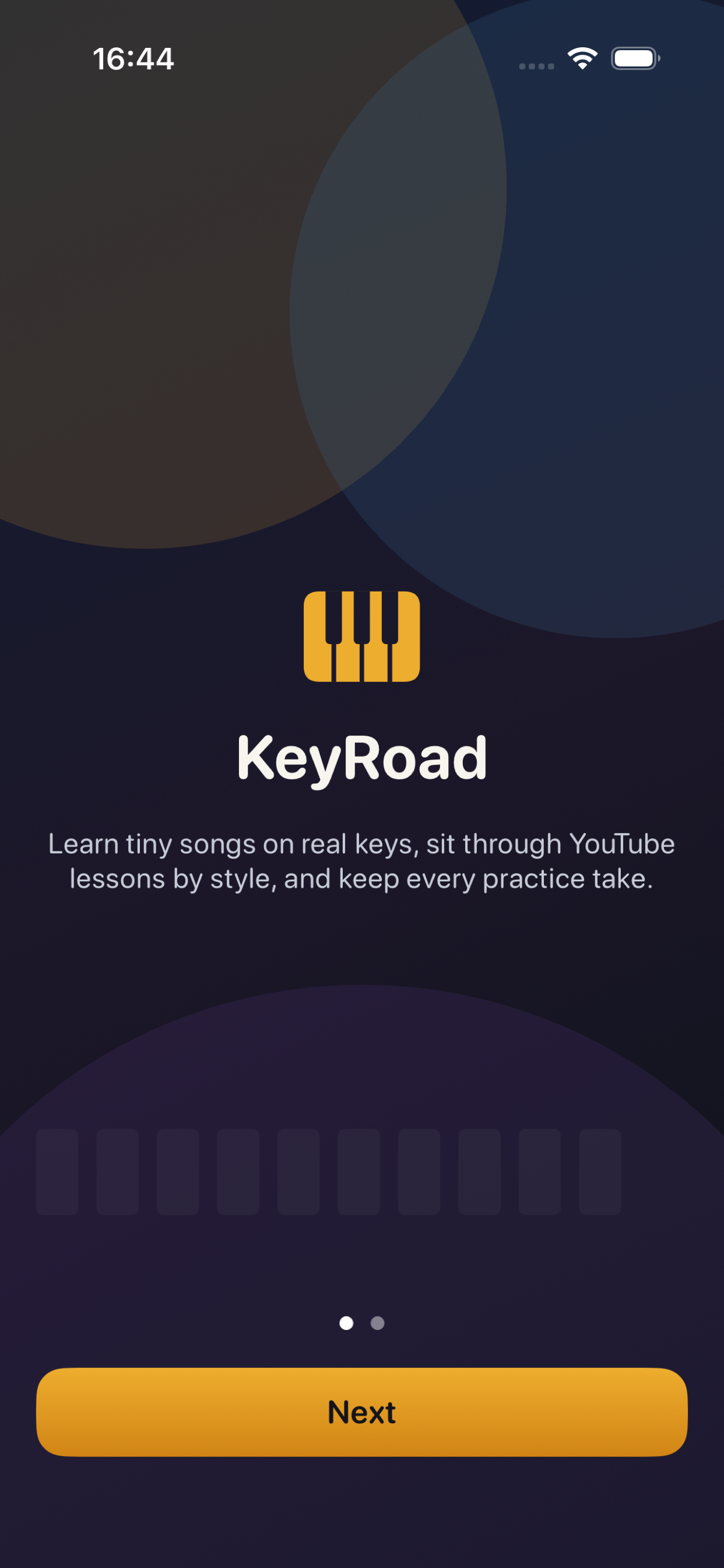 A two-page intro names the keys and the journal.
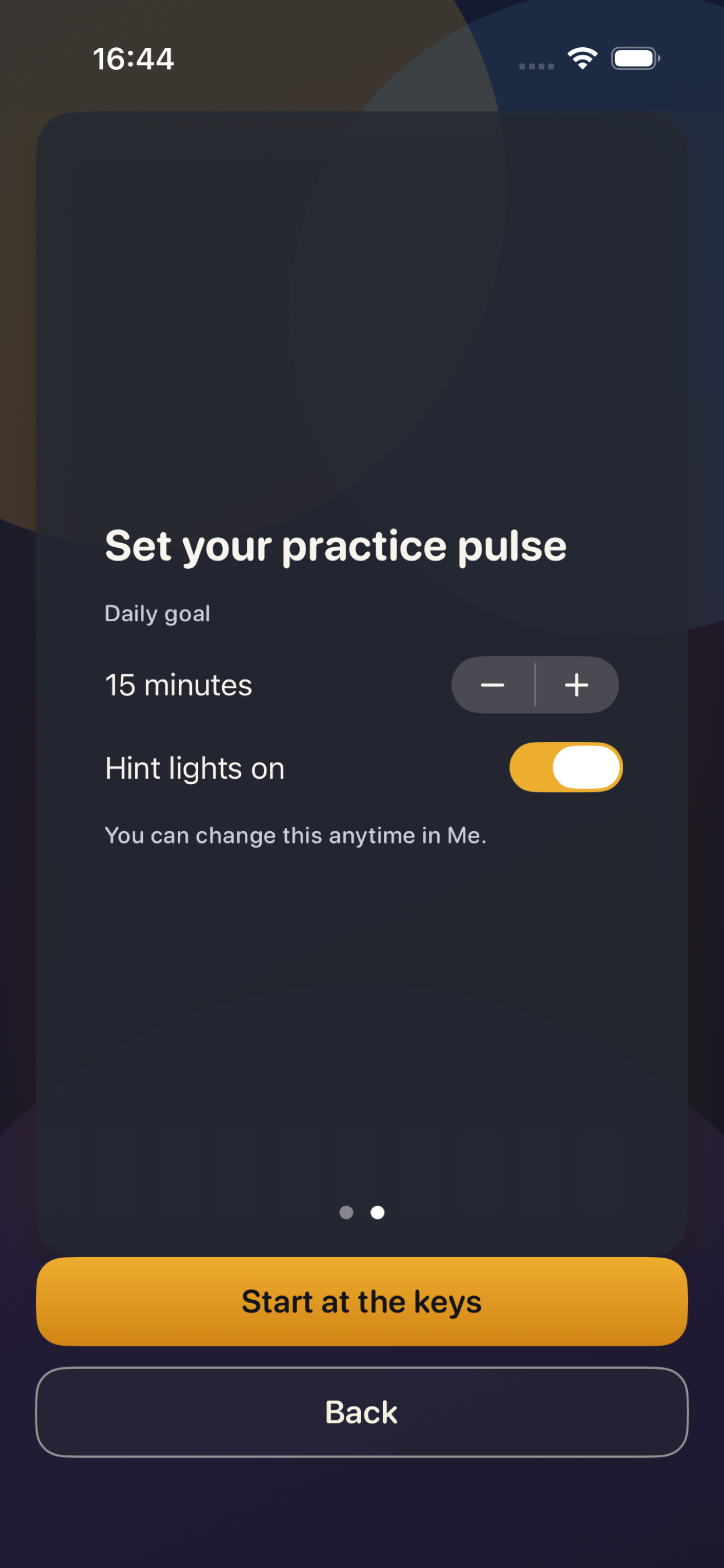
Studio keeps the keyboard and metronome on one scroll.
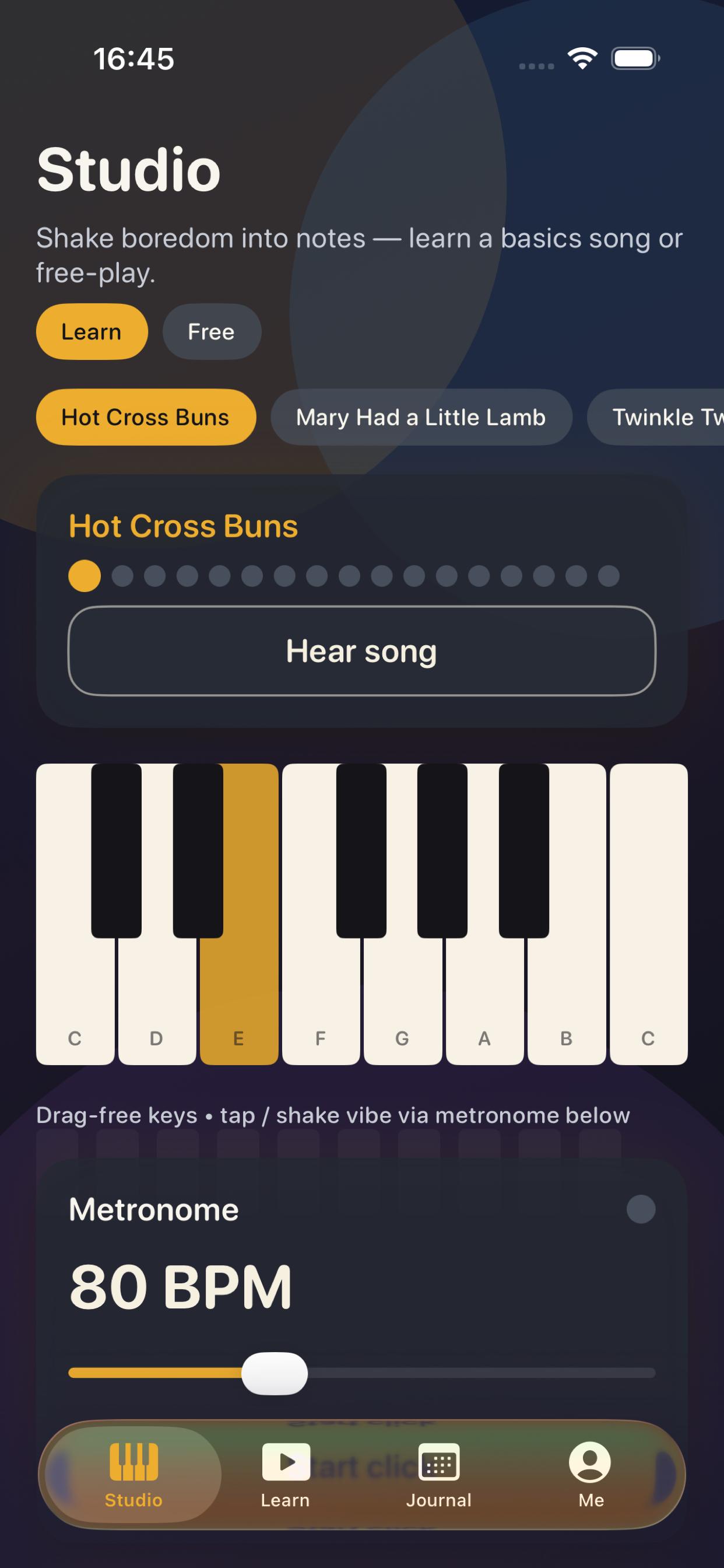 Learn lists YouTube coaches by style.
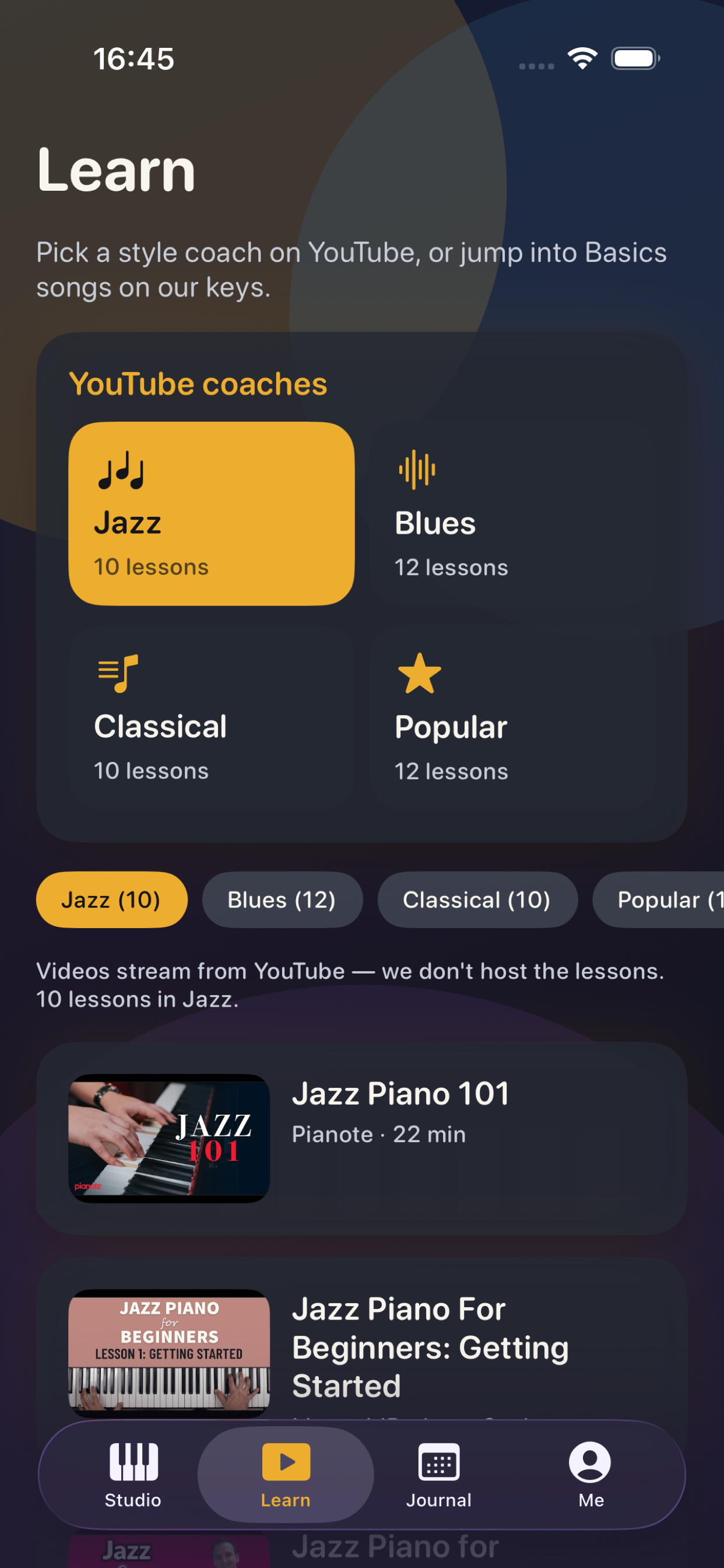
Journal shows today’s minutes and saved takes.
 Me is the practice photo and goal.
Privacy policy
KeyRoad is a local piano practice app. Practice takes, scores, display name, daily goal, and an optional practice photo stay on your device. We do not create accounts, and we do not run a KeyRoad backend that stores your journal.
If you choose Take Photo or Library, the image is used only as your practice photo inside the app. Save to Photos writes that image back to your library when you ask. Microphone access is used only when you start a lesson with recording on, so you can replay how you played.
YouTube lessons load from YouTube. That playback is subject to Google’s terms and privacy policy. We do not sell personal information. You can delete the app to remove local data. Contact: nicolae.vasilescu@devxeu.biz.
Support
For questions about KeyRoad, lessons that will not play, or a take that did not save, email nicolae.vasilescu@devxeu.biz. Include the iOS version and what you tapped last. We reply in English.
YouTube videos are public tutorials we did not produce. If a link is unavailable, pick another lesson in the same style. Basics songs play entirely on-device and do not need a network.